That old VHS tape in the cabinet is not getting stronger with time. If you’re searching for the best VHS to digital conversion software, you’re probably trying to save something that matters – a wedding video, a child’s first birthday, a camcorder tape copied to VHS, or family gatherings nobody has watched in years because the VCR is long gone.
Software can absolutely help, but it only solves part of the problem. The bigger challenge is getting a clean, stable signal off an aging tape in the first place. That is where many do-it-yourself projects go sideways. You may start out looking for a simple program and end up dealing with tracking issues, audio drift, dropped frames, or tapes that look worse after capture than they did on your old TV.
What the best VHS to digital conversion software actually does
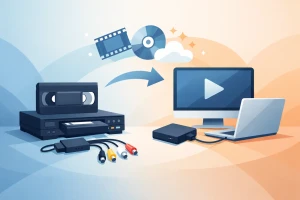
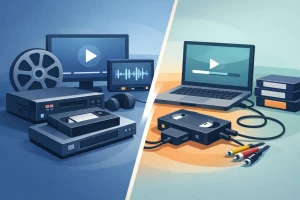
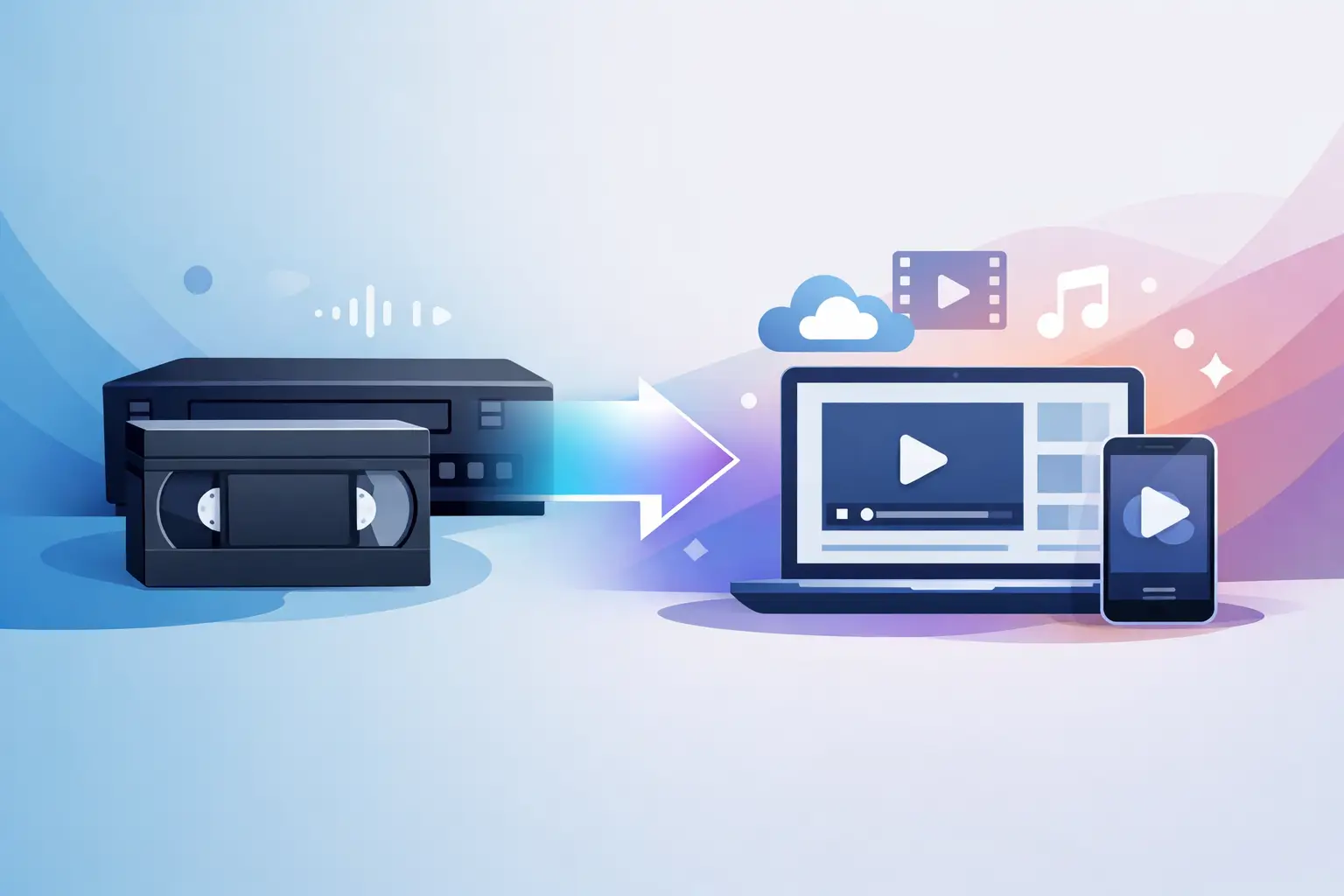
The phrase best VHS to digital conversion software can be a little misleading because software does not convert a VHS tape by itself. You also need playback hardware, usually a working VCR, plus a USB capture device or analog-to-digital converter. The software is the tool that records the incoming video, lets you adjust settings, and saves the final file.
Good software should do three jobs well. First, it needs to recognize your capture device reliably. Second, it should let you choose practical recording settings without burying you in technical menus. Third, it should save in file formats that are easy to use later, such as MP4 or MOV, instead of trapping your videos in outdated formats.
For most families, the goal is simple. You want a file you can watch on a computer, store on a hard drive, share with relatives, and keep safe for the future. The software matters, but ease of use and capture stability matter just as much.
The best VHS to digital conversion software for most people
If your main priority is keeping the process straightforward, software that comes bundled with a capture device is often the easiest path. These programs are rarely the most advanced, but they are designed to work with the included hardware and usually offer a more guided setup. That can be a real advantage if you have low to moderate technical experience and just want to get started.
For users who want more control, OBS Studio is often one of the strongest options. It is widely used, flexible, and free. You can capture video from many USB converters, monitor the signal live, and save files in modern formats. The trade-off is that OBS was built for recording and streaming more broadly, not specifically for VHS transfer, so the setup can feel less friendly if you have never worked with video settings before.
Another option people often consider is video editing software with capture support. In some cases, this can work well if you already own the program and know your way around it. But editing software is not always the best capture software. Some programs have dropped analog capture support over time, and others can be picky about devices and drivers.
If you are on a Mac, QuickTime may work with certain compatible capture devices for very basic recording. It is simple, which some users appreciate, but it offers fewer controls. If your tape has unstable playback or audio issues, basic software will not give you much room to correct the problem during capture.
What to look for before you pick a program
The best choice depends less on brand names and more on your specific situation. If you have ten tapes in good condition and a reliable VCR, a simple capture program may be enough. If you have older tapes, EP recordings, damaged cassettes, or home movies with tracking problems, software alone will not save the day.
Look for software that supports long recording sessions without stopping unexpectedly. VHS transfers happen in real time, so a two-hour tape takes two hours to capture. If the program crashes at the 90-minute mark, that is not a small inconvenience.
It also helps if the software shows audio levels and live video preview clearly. Family recordings often have uneven sound, and it is easy to miss a silent channel until the transfer is done. A good preview window gives you the chance to catch issues before you commit to the full tape.
File format options matter too. MP4 with H.264 encoding is practical for most households because it is easy to store and widely compatible. Huge uncompressed files may sound appealing, but they can become difficult to manage quickly, especially if you are digitizing a full box of tapes.
Why software is only half the story
This is where expectations need to be realistic. Even the best VHS to digital conversion software cannot repair a weak tape path, fix a dirty VCR head, or fully stabilize a damaged recording. If your source playback is poor, the software records that poor signal.
That is why two people can use the same software and get very different results. One has a clean tape and a solid VCR. The other has a 30-year-old cassette that was stored in a hot garage and recorded in extended play mode. Their outcomes will not look the same.
Many capture issues that people blame on software are actually hardware or media problems. Common examples include shaky picture, color flicker, wavy lines, random cutouts, and lip-sync errors. Some of these come from inexpensive capture devices. Others come from the tape itself. In tougher cases, a time base corrector, better playback deck, or tape repair work may be needed before capture even begins.
When DIY software makes sense
If your tapes are not especially valuable, and you are comfortable experimenting a little, doing it yourself can be worthwhile. It may make sense if you already have a working VCR, a decent computer, and only a small number of tapes. It can also be a practical option if the recordings are more casual and you are not expecting broadcast-level quality.
Software-based conversion is also fine for test transfers. If you want to check what is on a tape before deciding what deserves professional preservation, a basic setup can help you sort through your collection.
The main benefit is control. You can capture at your own pace, trim clips, name files your way, and decide how you want to store everything. For some people, that hands-on process is part of the appeal.
When professional help is the better choice
If the tape contains a once-in-a-lifetime memory, the stakes are different. Wedding footage, interviews with loved ones, baby videos, memorial recordings, and rare archival material deserve more than a trial-and-error setup on the kitchen table.
Professional transfer is usually the better route when tapes are old, moldy, broken, jammed, or simply irreplaceable. It also makes sense when you have a larger collection. What seems like a weekend project can stretch into many late nights once you realize each tape must play in real time, then be checked, named, exported, and backed up.
A professional service can also reduce the risk of loss from bad hardware, poor settings, or accidental overwrite. Experienced technicians know how to deal with unstable playback, tape damage, and format quirks that home users may only encounter once. That matters when your goal is not just convenience, but peace of mind.
For families in South Florida, working with a local, established transfer company can add another layer of reassurance. Being able to speak with real people, ask questions, and trust that your originals are being handled with care is a very different experience from guessing your way through unfamiliar software.
A practical recommendation for families
If you still want to try it yourself, start small. Test one non-essential tape first. Use a dependable VCR, a capture device with solid reviews, and software that keeps the workflow simple. Watch the captured file all the way through before you move on to the next tape. That one habit alone can save a lot of regret.
If the first transfer has audio problems, unstable picture, or obvious quality loss, do not assume a different software program will magically fix it. At that point, the issue is often the tape, the VCR, or the capture hardware. Chasing a better app can waste time while your tapes continue to age.
At HB Media Solutions, this is exactly why so many families choose professional transfer when the memories really matter. They are not just paying for a file. They are paying for careful handling, experienced judgment, and a process built around preserving personal history safely.
The best VHS to digital conversion software can be a useful tool, but the real question is bigger than software. It is how much those recordings mean to you, and how certain you want to be that they are preserved the right way while they still can be.