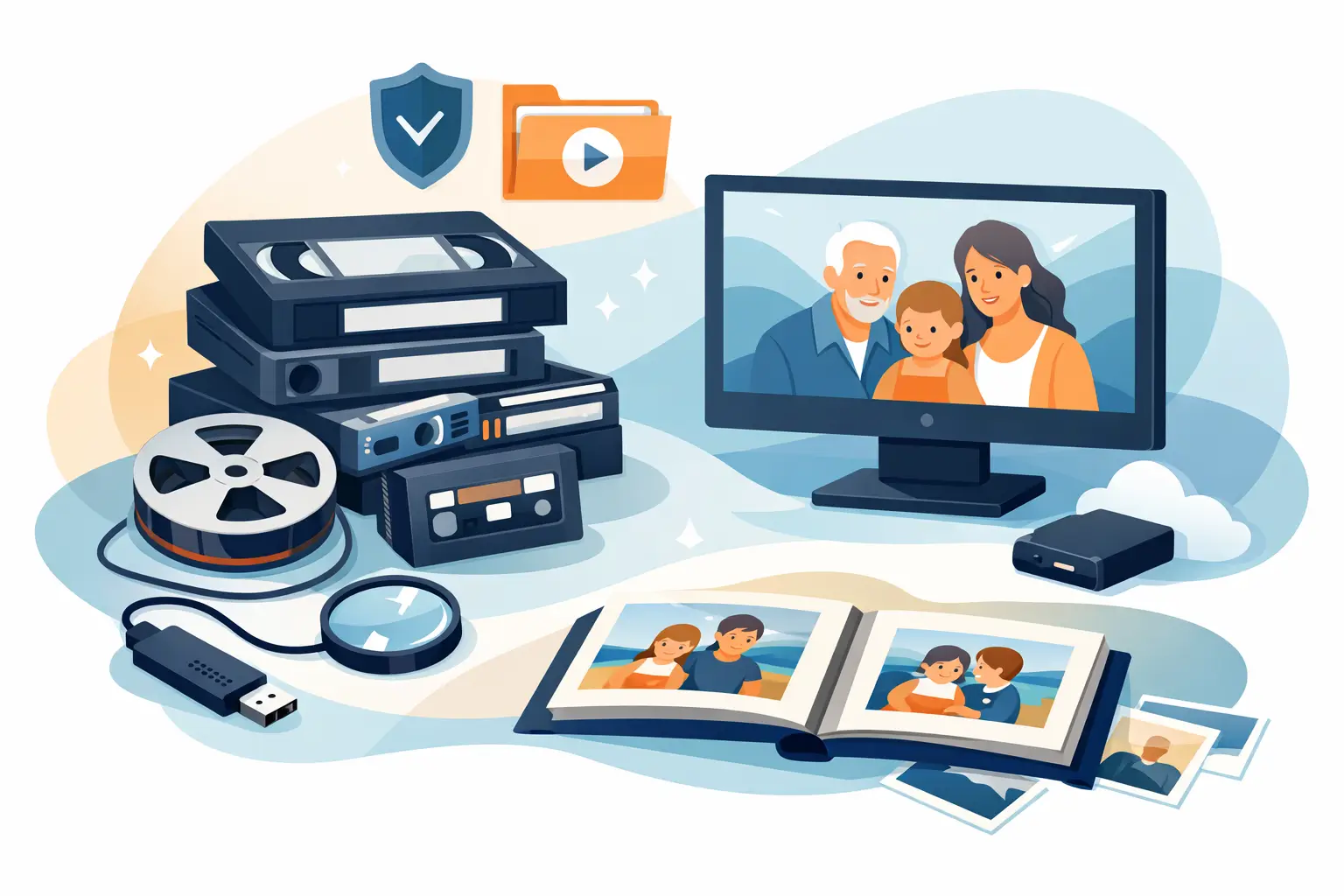
A shoebox of photos in the closet. VHS tapes stacked in a cabinet. A few camcorder tapes nobody has a player for anymore. Most families do not realize they are building a race against time until a tape jams, a photo fades, or a DVD stops loading. This family media preservation guide is meant to make that next step feel clear, manageable, and worth doing now instead of later.
What makes family archives so hard to deal with is not just the number of items. It is the mix of formats, the uncertainty about what still works, and the emotional weight attached to all of it. These are not just objects. They hold voices, faces, milestones, and pieces of family history that cannot be recreated once they are lost.
What a family media preservation guide should help you solve
A good family media preservation guide should do more than tell you to digitize everything. It should help you decide what you have, what is most at risk, and how to protect it without creating more confusion.
Most households have a combination of photo prints, slides, negatives, VHS tapes, camcorder tapes, film reels, cassette recordings, CDs, DVDs, and old phone media. Each format ages differently. Magnetic tape can lose signal or develop playback issues. Film can shrink or become brittle. Photos can stick together, bend, or fade. DVDs may look fine on the outside and still fail when you try to read them.
That is why preservation is part organization, part timing, and part handling. The goal is not simply to clear out a closet. The goal is to keep memories alive in a format your family can actually view, share, and store safely.
Start by identifying what you have
Before anything is transferred, spend a little time taking inventory. You do not need a complicated spreadsheet unless that works for you. A written list or phone notes app is enough to begin.
Group items by type. Put VHS with VHS, mini camcorder tapes together, photos in one category, audio cassettes in another. As you sort, look for labels, dates, family names, and event notes. Even rough descriptions like “Christmas around 1994” or “grandma interview” are useful.
This step matters because not everything carries the same urgency. A recent smartphone video can usually be backed up quickly. A 30-year-old VHS-C tape with a child’s first steps is in a different category. If you are overwhelmed, start with the items that are both oldest and most meaningful.
Prioritize the media most at risk
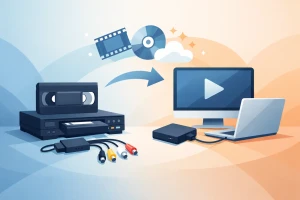
If you are wondering what to save first, older magnetic tapes usually deserve immediate attention. VHS, Hi8, Video8, Digital8, MiniDV, and audio cassettes can all deteriorate over time, even if they were stored carefully. The longer you wait, the more likely it becomes that playback quality drops or the tape becomes difficult to run safely.
Film reels and slides also deserve prompt care, especially if they have been exposed to heat, humidity, or poor storage. Printed photos may survive longer than tape, but they are still vulnerable to fading, warping, and physical damage.
A simple rule helps here: if the item is old, fragile, or tied to a one-time family moment, move it closer to the front of the line.
Store originals better while you plan
Digitizing is the long-term move, but storage still matters in the meantime. Keep media in a cool, dry, stable environment. Avoid garages, attics, sheds, and any room with heavy humidity or temperature swings. In Florida especially, heat and moisture can speed up damage.
Store tapes upright, not stacked flat under pressure. Keep photos and negatives in protective sleeves or boxes if possible. Do not use rubber bands, paper clips, or adhesive notes directly on delicate materials. If something looks moldy, brittle, or stuck together, resist the urge to force it apart. Good intentions can cause permanent damage when media is already weakened.
Decide what digitization should look like for your family
The heart of any family media preservation guide is deciding how digital copies will fit into real life. Some families want a clean archive with labeled folders for each year. Others mainly want easy access on a computer, phone, or TV. Neither approach is wrong.
What matters is that the files are usable and easy to find. A digital archive that nobody understands is only a partial success. If you have many family members who may want access later, it helps to think ahead about naming conventions, folder organization, and backup plans.
Keep both accessibility and quality in mind
There is always a balance between convenience and preservation quality. Smaller files are easier to share, but higher-quality files may be better for long-term archiving or future editing. Many families benefit from having both when possible – an archival master file and an easy-to-watch copy.
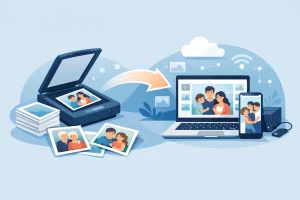
The same trade-off applies to photos. A quick phone snapshot of a printed photo may be fine for casual sharing, but it is not the same as a proper scan that captures detail, color, and the full image without glare or distortion.
When DIY works and when professional help makes sense
Some people begin with a do-it-yourself approach, especially for newer media or small projects. That can work if the originals are in good condition, the playback equipment is reliable, and you are comfortable managing files and troubleshooting.
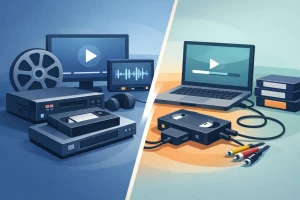
But older media often brings complications. Tapes may require repair. Playback machines may be hard to find or may damage the media if poorly maintained. Film and slides need careful handling and proper capture methods. DVDs that will not load may need recovery work, not just copying.
Professional transfer is often the better choice when the material is irreplaceable, fragile, or spread across multiple formats. It also removes guesswork. For families who want peace of mind, that matters as much as the digital file itself. A trusted provider can inspect items, explain the process clearly, and return both the originals and your new digital copies in a format that is easy to use.
For South Florida families, that local trust can be especially valuable when handing over one-of-a-kind home movies and photos. A company like HB Media Solutions helps simplify the process with personalized support, broad format coverage, and careful handling from start to finish.
Build a backup plan right away
Digitization is not the final step. It is the beginning of better preservation. Once files are created, they need backup.
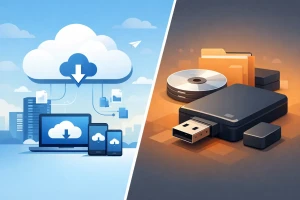
The safest approach is to keep copies in more than one place. For example, you might keep one copy on an external hard drive and another in a separate storage location. If one device fails, your memories are not gone with it. Relying on a single USB drive or one computer is risky, no matter how new it is.
Check those files once in a while. Open them. Make sure they still play. Technology changes, and storage devices fail more often than people expect. Preservation is not one dramatic project. It is a habit of keeping important files visible, organized, and duplicated.
Add context while the details are still fresh
Digitizing the image or recording is only part of preserving the memory. The names, dates, places, and stories around it matter too.
As you go through your collection, add simple notes. Identify who is in the photo. Record the year if you know it. Mention the occasion, house, neighborhood, or family connection. This kind of context tends to disappear faster than people think. A child today may recognize a grandparent’s face. Twenty years from now, that may not be true without a label.
If you have aging relatives who can still identify people and events, now is a good time to ask. Even a short voice memo can preserve family knowledge that would otherwise vanish.
A family media preservation guide is really about timing
Families often put this project off because it feels too big. That is understandable. Sorting old media means opening boxes you have not touched in years and facing the fact that some of it may already be fading. But waiting does not make the project smaller. It usually makes it harder.
You do not need to finish everything this month. You just need to begin with the pieces that matter most. Start with one box, one shelf, or one set of tapes. Protect the items with the highest emotional value and the highest risk first. Once those memories are safely digitized and backed up, the rest becomes less intimidating.
The best time to preserve family history is before a machine eats the tape, before moisture reaches the box, and before the one person who knows every face in the photo is no longer here to tell you. If your memories still exist in aging formats, that is your opening to save them while you still can.